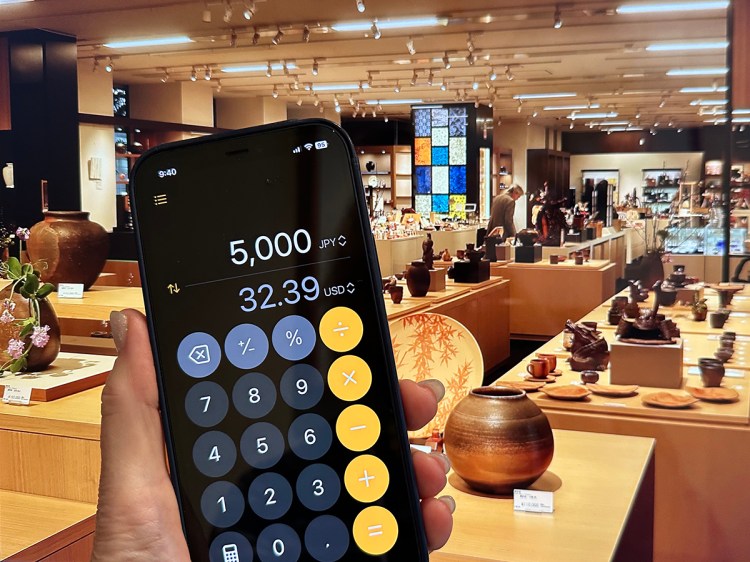
Today I learned that there’s a super handy currency converter built right into my iPhone! If you have iOS 18 or later, it’s in the calculator app.
Here’s how to use it:
See this button?
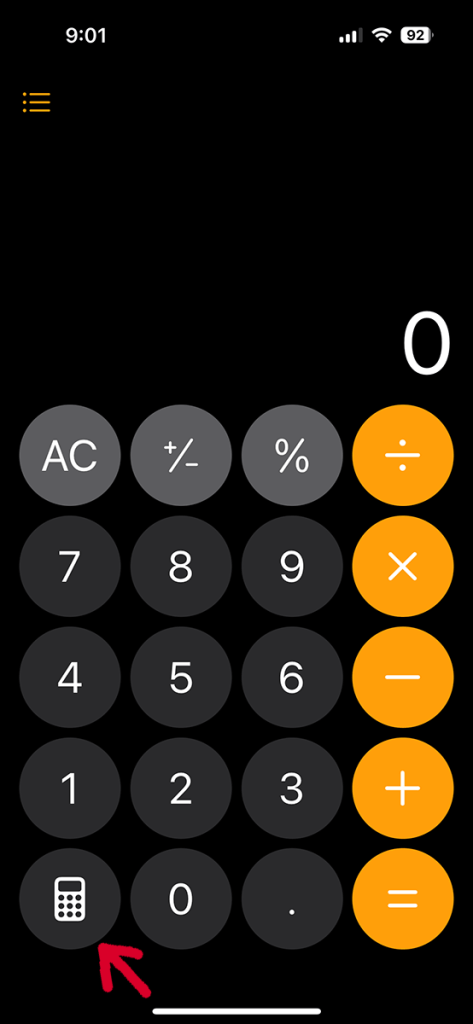
Tapping it takes you to this:
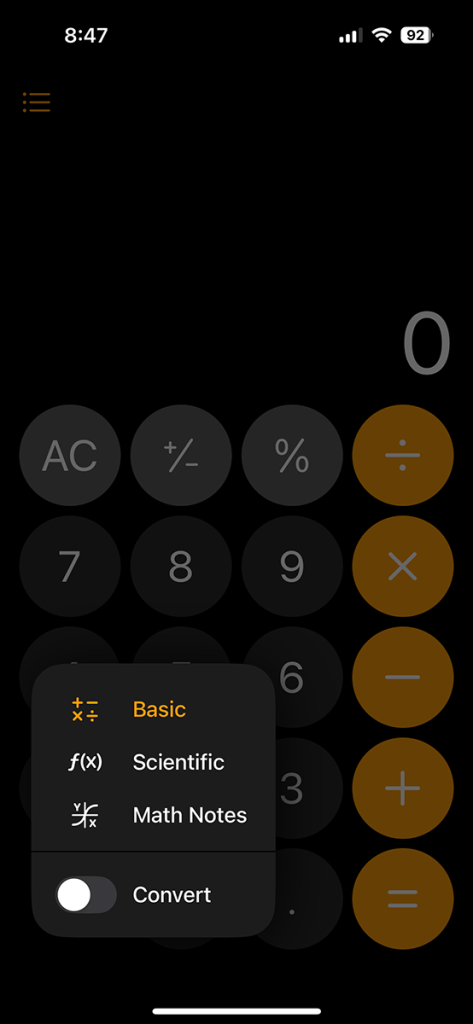
Toggle the “Convert” slider…
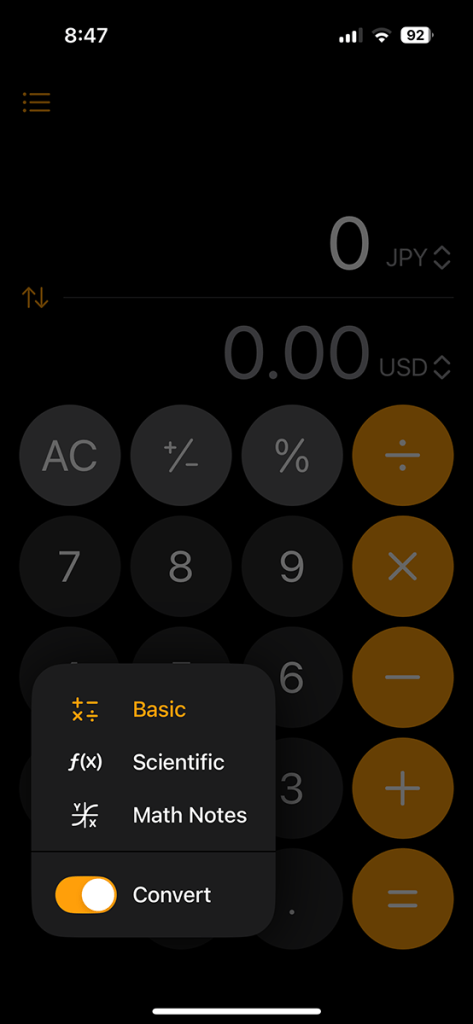
and you’ll see this:
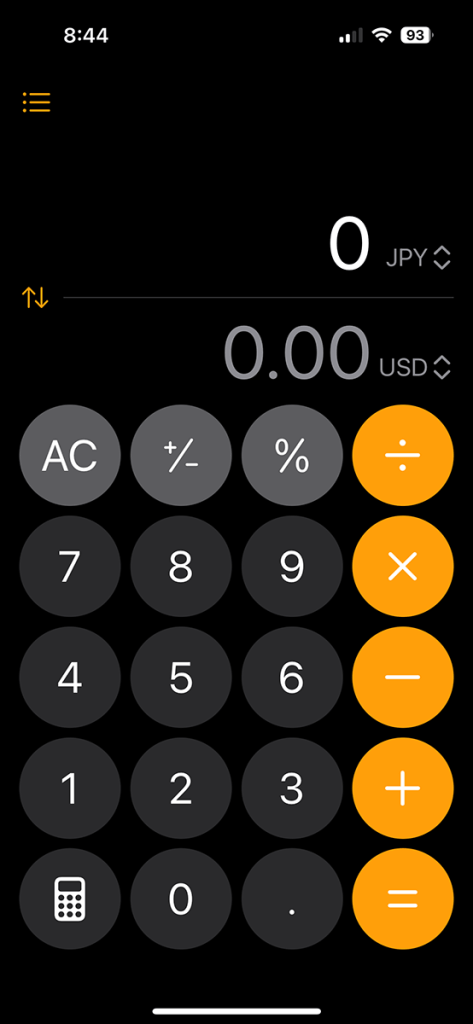
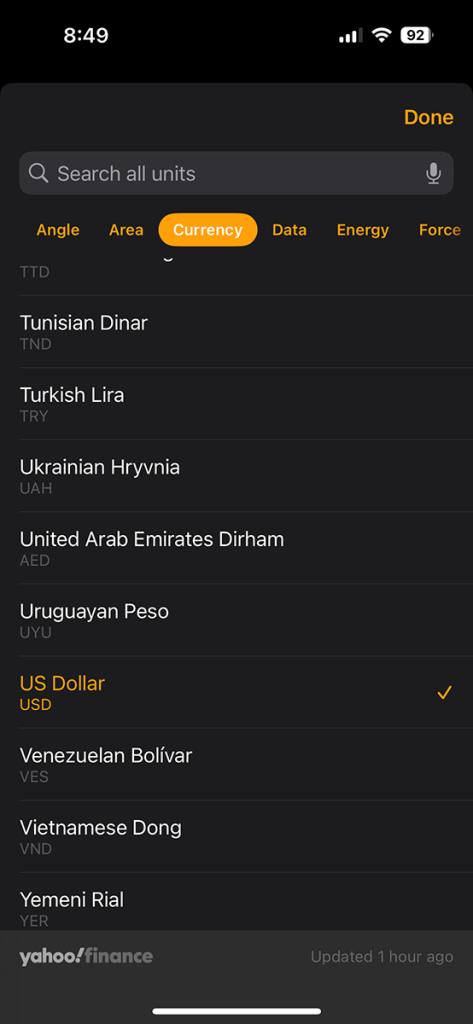
You can change the currencies by tapping on the top one (convert from) or the bottom one (convert to) and choose from the long, scrollable list that pops up:
You can convert either direction by tapping on the currency you want to input and typing in the amount:
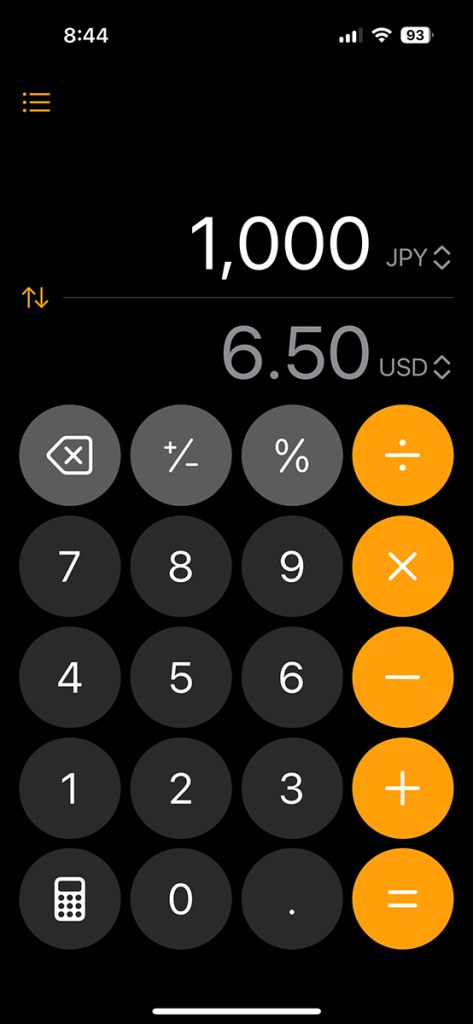
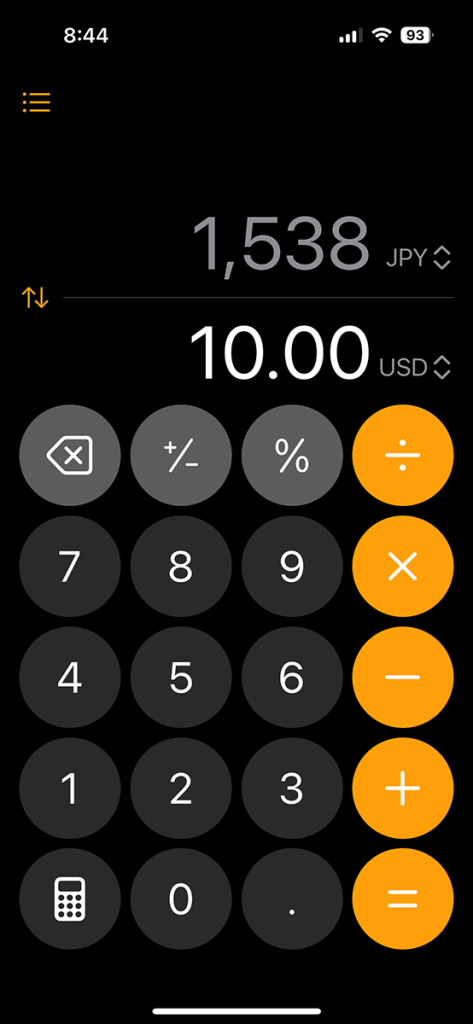
If you accidentally typed in the amount you want to convert on the wrong line…
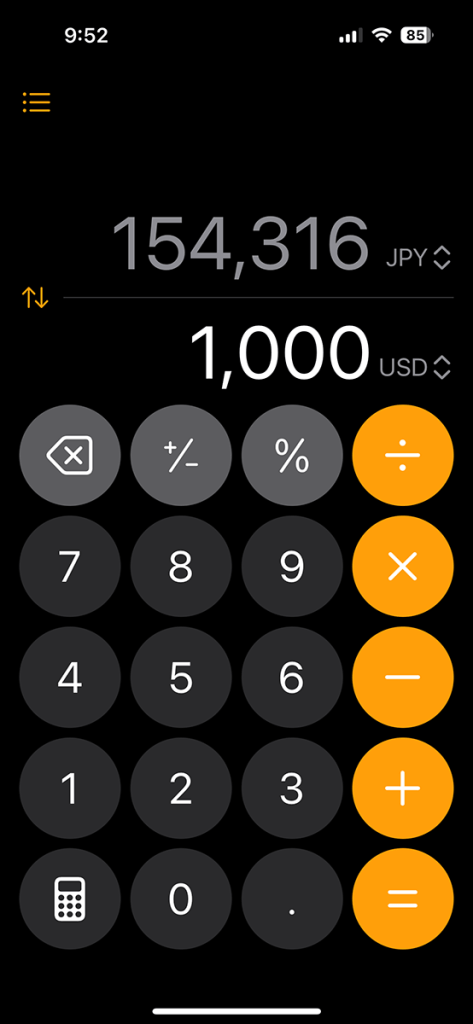
you can tap the up/down arrows on the left to switch it onto the correct one.
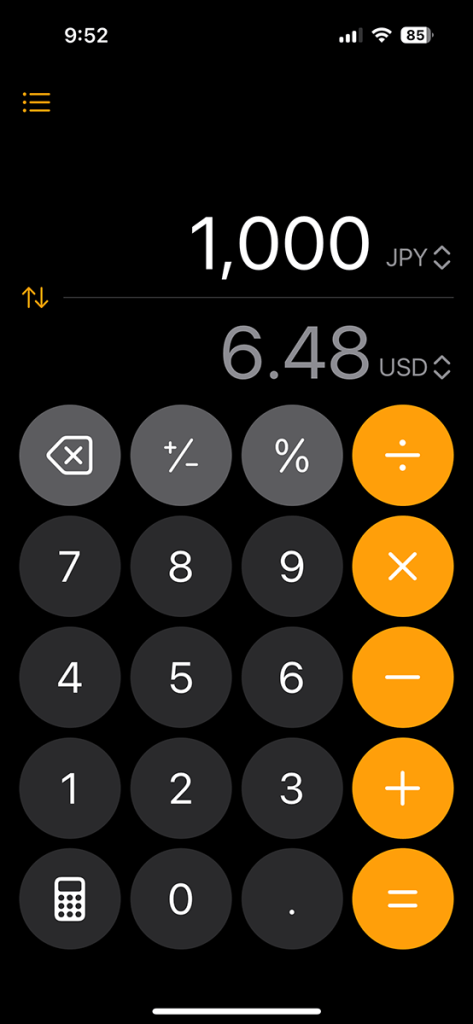
To return to your regular calculator, tap the calculator icon at the bottom left again and toggle off the “Convert” switch.
And if you suddenly feel the burning need to do some advanced math on the go, that same button with a little calculator icon on it offers up this comprehensive math/science tool…
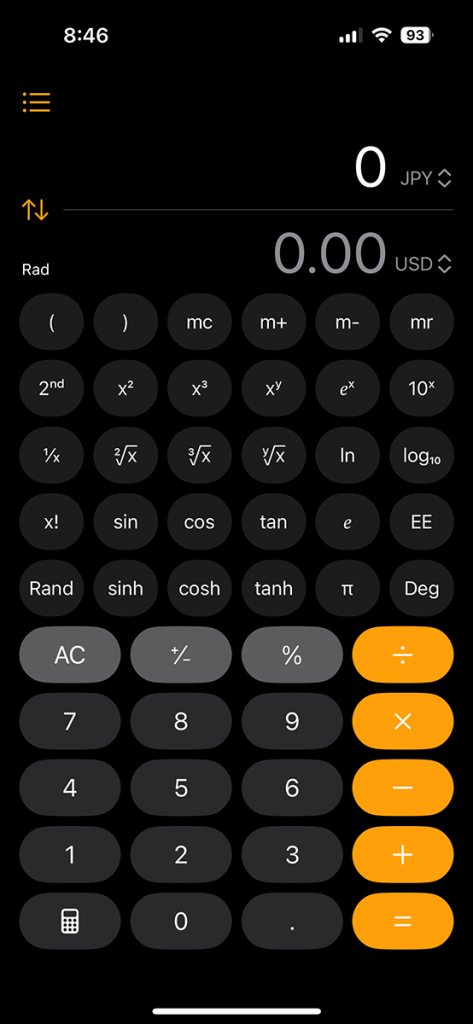
but I’m afraid you’ll have to visit The Math/Science Guide I Wish I’d Had to figure out how to use that one!
•
If you enjoyed this, subscribe!
Get all the latest Japan travel tips and tricks for free ヽ(*^ω^*)ノ
Here are some more tips to make your Japan travel easier:

And here are the other places I take my friends when they come to town

•

Jonelle Patrick writes novels set in Japan, produces the monthly e-magazine Japanagram, and blogs at Only In Japan and The Tokyo Guide I Wish I’d Had
 Jonelle Patrick writes about Japan